Stop Motion Video
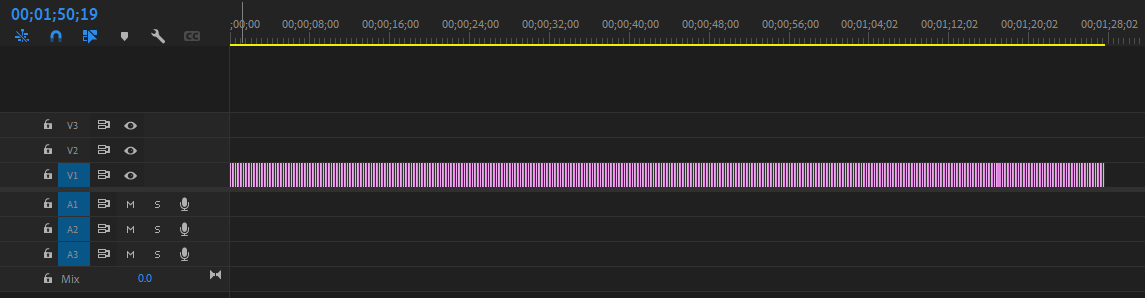
After taking all 330 photos I put them into Photoshop initially, but later used Premiere for better performance. I made all the frames 8 milliseconds long, making the framerate roughly 12 frames for second. There was one frame I extended to 16 milliseconds, that being when the astronaut put on the jetpack by falling on it. On the original version I made it 8 milliseconds like all the other frames, but people had said they got confused for a brief moment as to what happened, extending the frame has hopefully mitigated that confusion.
This animation was of building an entire Lego set, taking a picture for each step. Since taking a picture for each step would not be pretty short, I also took pictures for getting the pieces as well. I made the pieces travel from where they were out of the bag to the main stage to be assembled into the overall astronaut. I made the Lego pieces move to the center frame by frame to emulate them walking over. To add another element of visual appeal, when the astronaut's body and head were made I made the astronaut do little movements around the set.
To set up my camera, I set my phone on a desk and pointed it downwards. To ensure each photo had the same angle, I set my camera to take a picture every time I said "Tap Take Picture." Unfortunately, while filming my phone died, meaning I had to reset up the camera after putting it on the charger. It is a small, but noticeable change in camera angle near the later half of the animation.