Rotoscope GIF
Color & Face
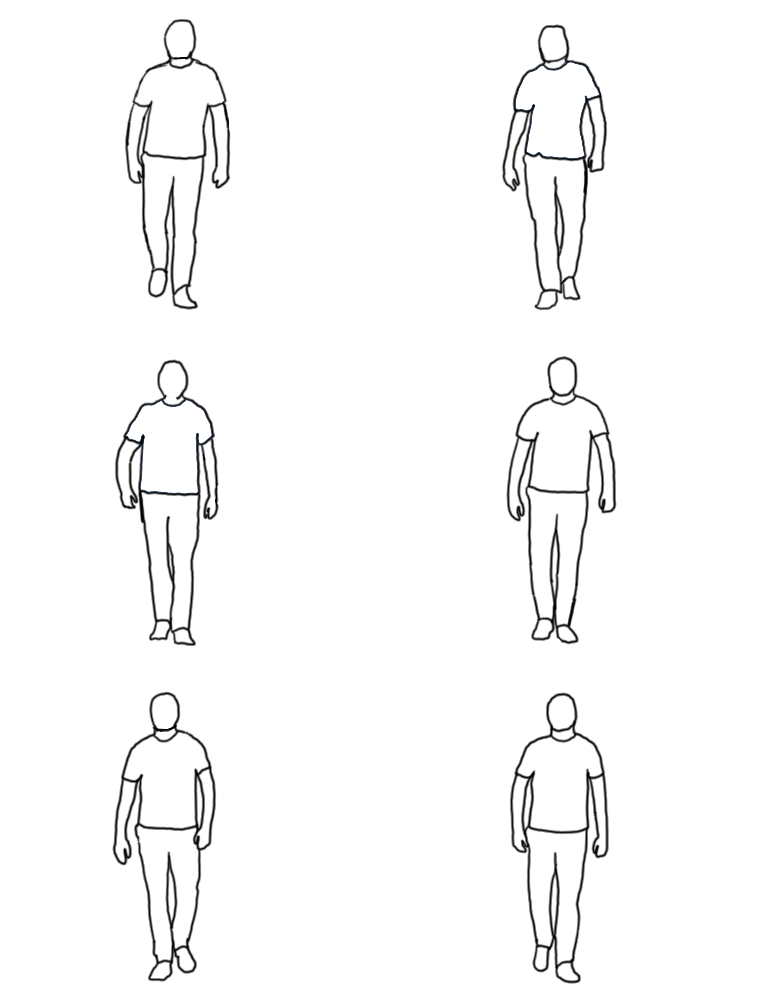
I wanted to add more detail to this person walking, so I added a very expressive face. To make him expressive I made his eyebrows move to a new position in almost every frame. Raising one eyebrow, raising both, angry eyebrows, and eyebrows flat were the changes in the eyebrows I had done. The hair was added next to give some more sense of movement as his hair moved side to side. To color the rotoscope, I used the bucket tool on a lower layer. I also added an effect to when he takes a step with yellow streaks.
Outlining
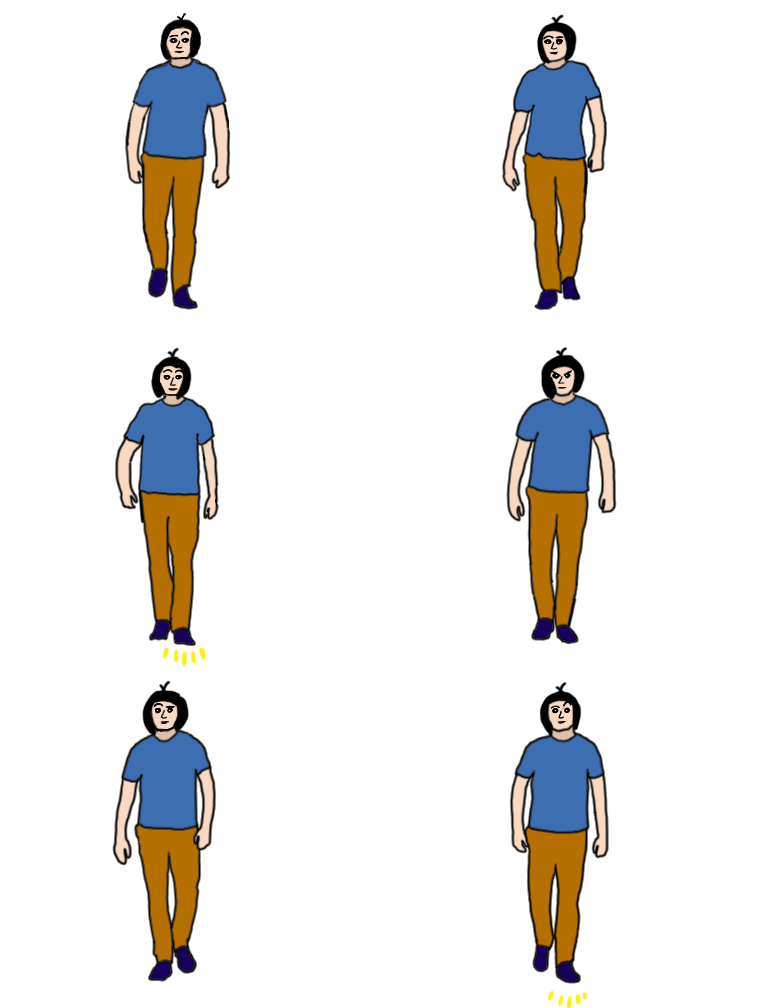
This was my first attempt at a rotoscope type of animation. To start a rotoscoping a video is needed to be sketched over. I looked through the free videos on Shutterstock and chose a video of a man walking forward. I limited the framerate to 12 frames per second and sketched over the man for 3 seconds, 36 frames. I made sure to outline his shirt lines, neck line, and pants line, so I could add more detail later on. Afterward, I removed 7 of the frames to have the GIF loop properly.
Final Design & Shading
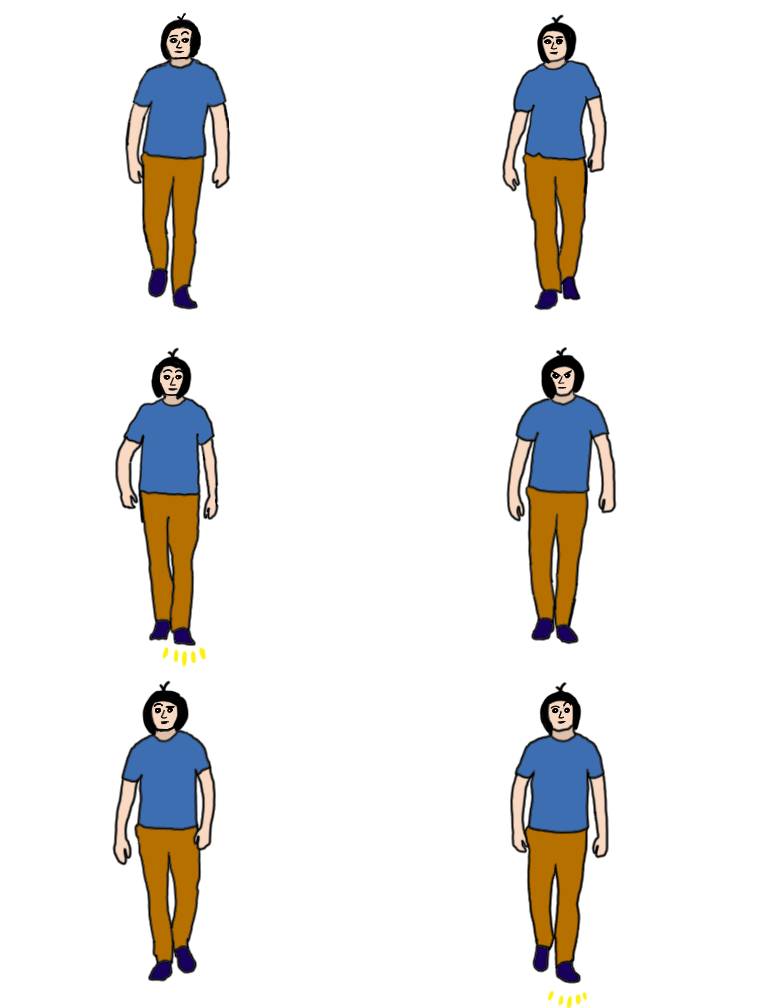
A critique that I had been given was that he looked too bland and that shading could improve that. I added an overlay layer and colored in parts of the shirt and pants to shade them. After I did a quick brush-over, I then used the blur tool to ease the transition into the pants and shirt. I changed the opacity of both as well to make the shading not as dark was it was originally. The step effects were changed to bright orange to be more visible since the yellow was a bit harder to see.